Scientific Colormap Presets
QwtColorMapPreset (in qwt::core) ships 22 well-known scientific colormaps: perceptually uniform ramps (viridis, plasma…), MATLAB classics (jet, hot, cool…), rainbow ramps (rainbow, hsv, turbo) and diverging ramps (coolwarm, rdylbu…). The names match matplotlib / MATLAB, so existing palettes can be swapped in place without touching the stop definitions. 2D spectrograms, 3D surfaces and axis color bars share the same presets, and the color bar always uses the very same map as the plot itself.
Key Features
-
22 presets: matplotlib / MATLAB compatible names, so a map can be created by name without stop definitions
-
Perceptually uniform: viridis, plasma and cividis vary monotonically in lightness with uniform color-step sizes, which makes them colorblind friendly and print safe; inferno and magma are monotonic in lightness but slightly less uniform in step size
-
Diverging ramps: coolwarm, rdylbu, rdylgn and spectral for signed data around a center value
-
Reusable everywhere: 2D spectrograms, 3D surfaces, axis color bars and plain
rgb()sampling share one factory -
Discoverable at runtime: list all preset names, inspect color stops, convert between name and enum
-
Example included:
examples/2D/colormapbrowses all presets interactively and exports them via--screenshot
Basic Usage
1. Create a colormap by name
1 2 3 4 5 6 7 8 9 | |
create() returns a QwtLinearColorMap, whose base class QwtColorMap provides rgb(vMin, vMax, value) for sampling colors. All preset names are available at runtime:
1 2 3 4 5 6 7 | |
2. Use it in a 2D spectrogram
The spectrogram image and the color bar of the axis each own their color map instance:
1 2 3 4 5 6 7 8 9 10 11 12 13 14 15 16 17 18 19 20 21 | |
Before QWT7.3 the sampling API was QwtColorMap::rgb(interval, value); it has been unified to rgb(double vMin, double vMax, double value) since QWT7.3.1.
3. Sample colors without plotting
1 2 3 | |
4. Use it on a 3D surface
The 3D module bridges the core colormaps through Qwt3DColorMapColor, so all 22 presets can be applied to surfaces:
1 2 3 4 5 | |
5. Introspection
1 2 3 4 5 6 7 8 9 10 11 12 13 | |
Running the Example
The example lives in examples/2D/colormap and looks like this:
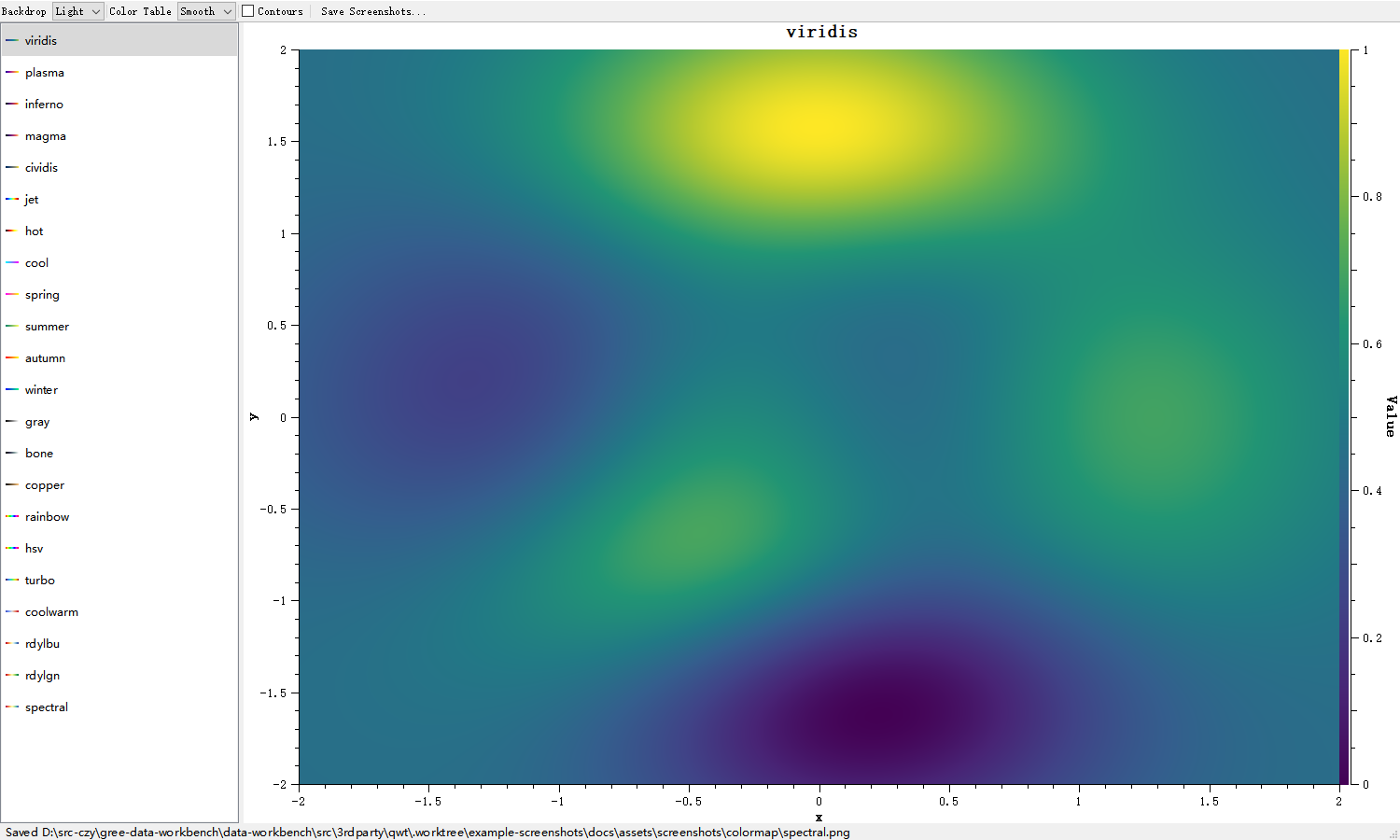
What the window offers:
-
Preset list (left): all 22 presets, each item shows a gradient strip of its colors; click to switch
-
Backdrop: switches between a light and a dark plot area
-
Color Table: color table size (Smooth / 256 / 1024 / 16384) to inspect banding artifacts
-
Contours: overlays contour lines of the demonstration field
-
Save Screenshots...: exports all renders into a chosen directory
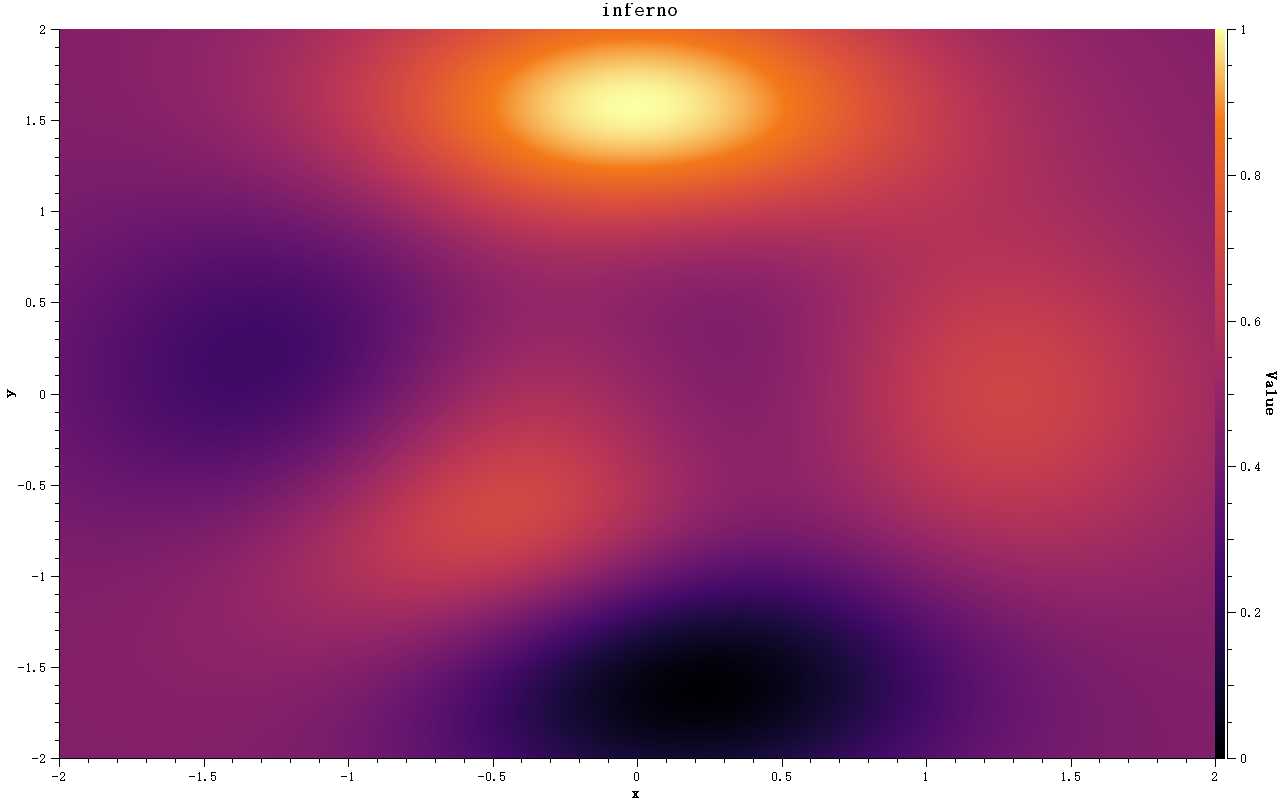
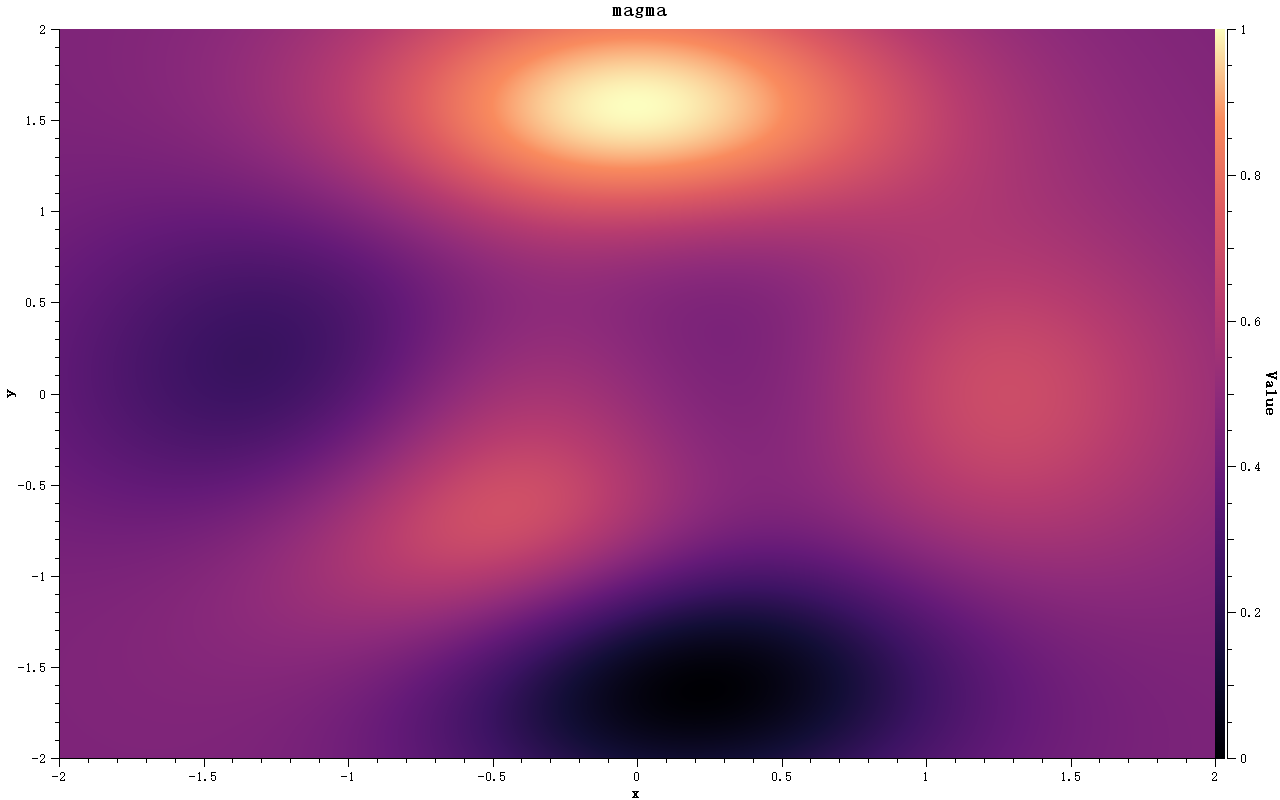
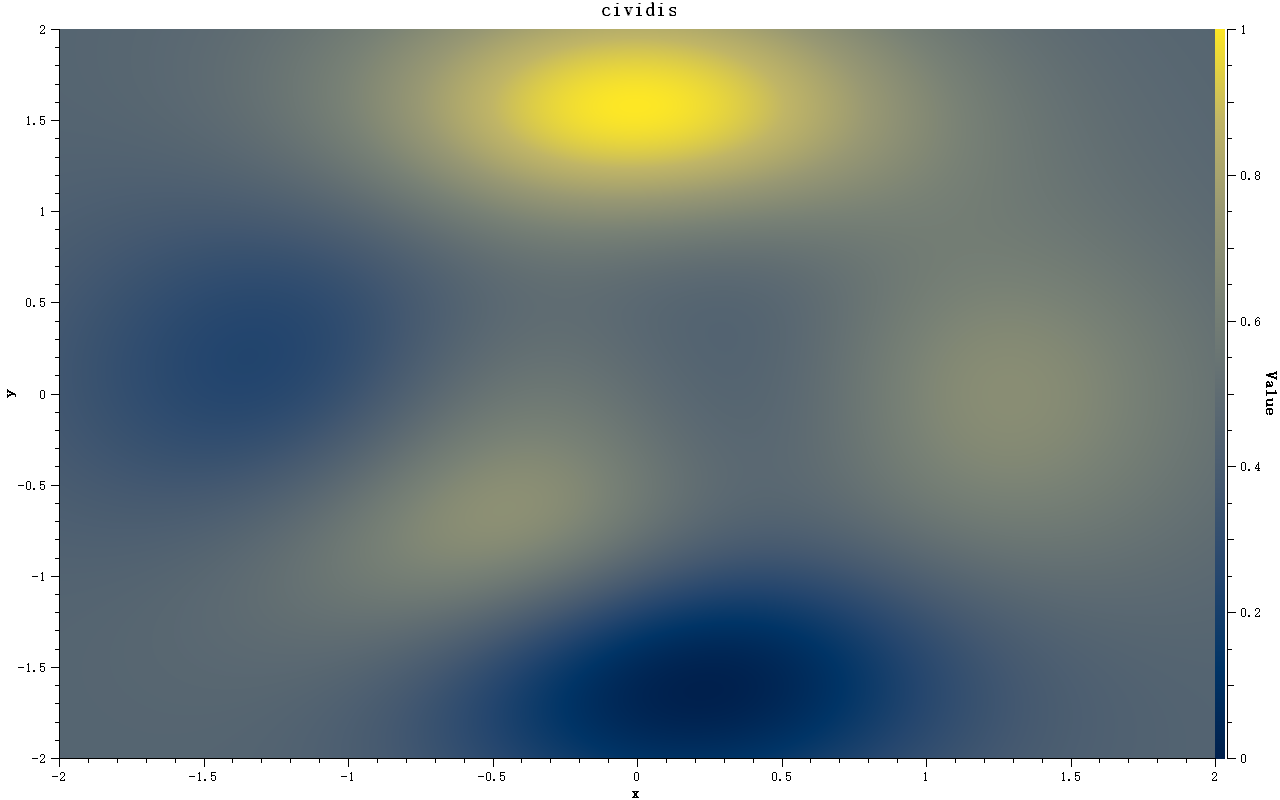
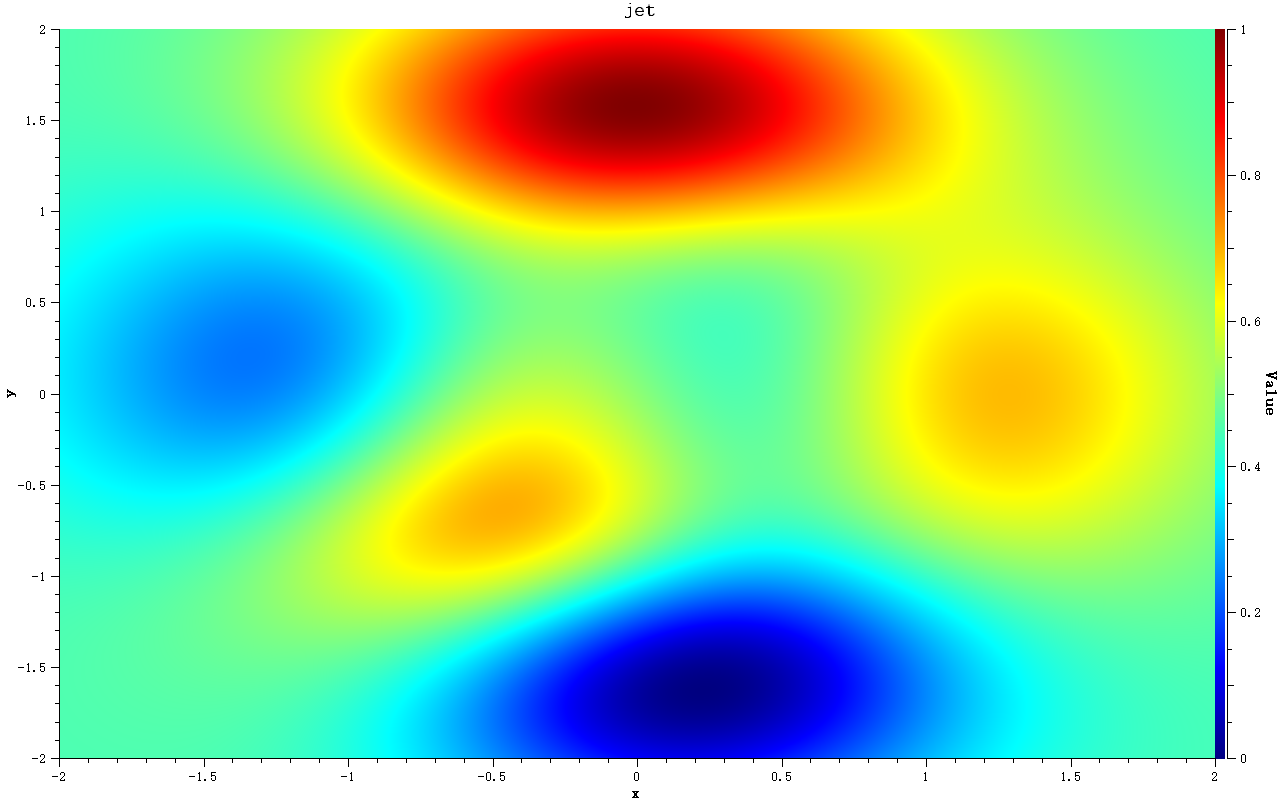
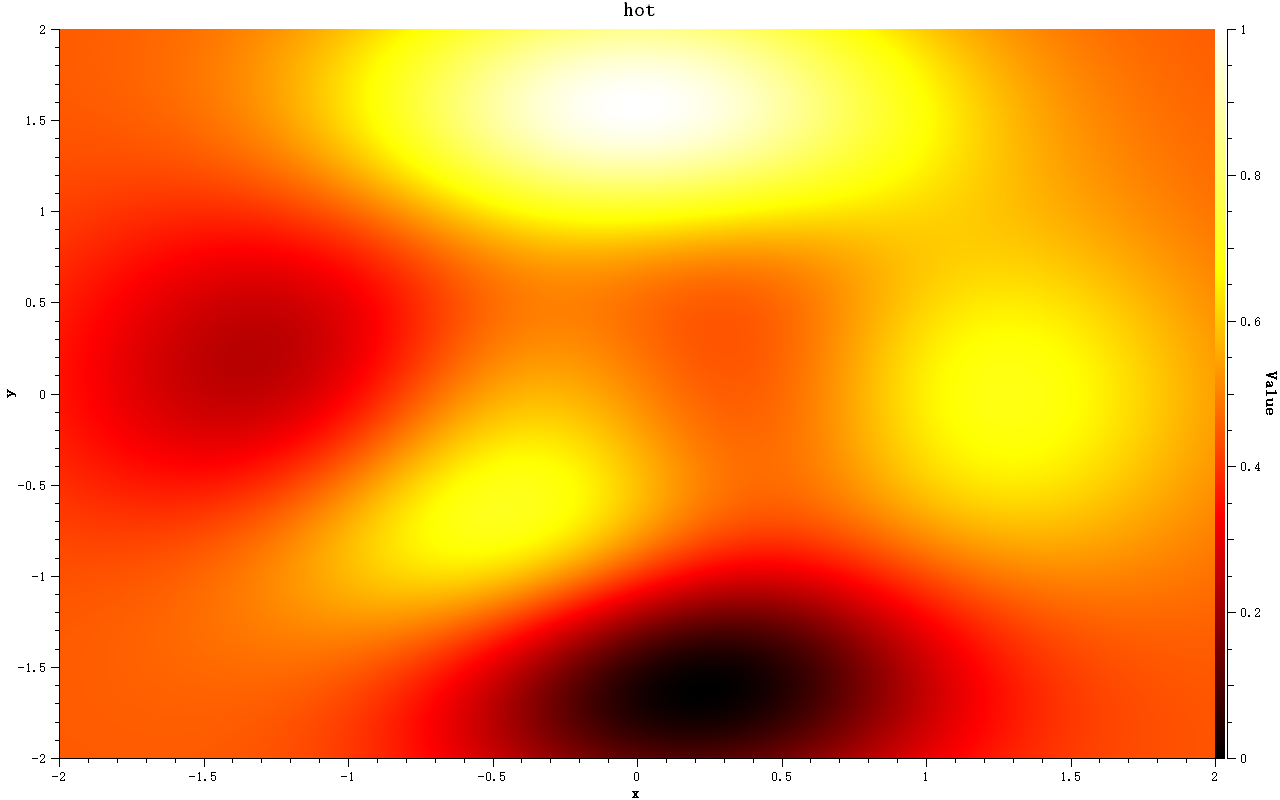
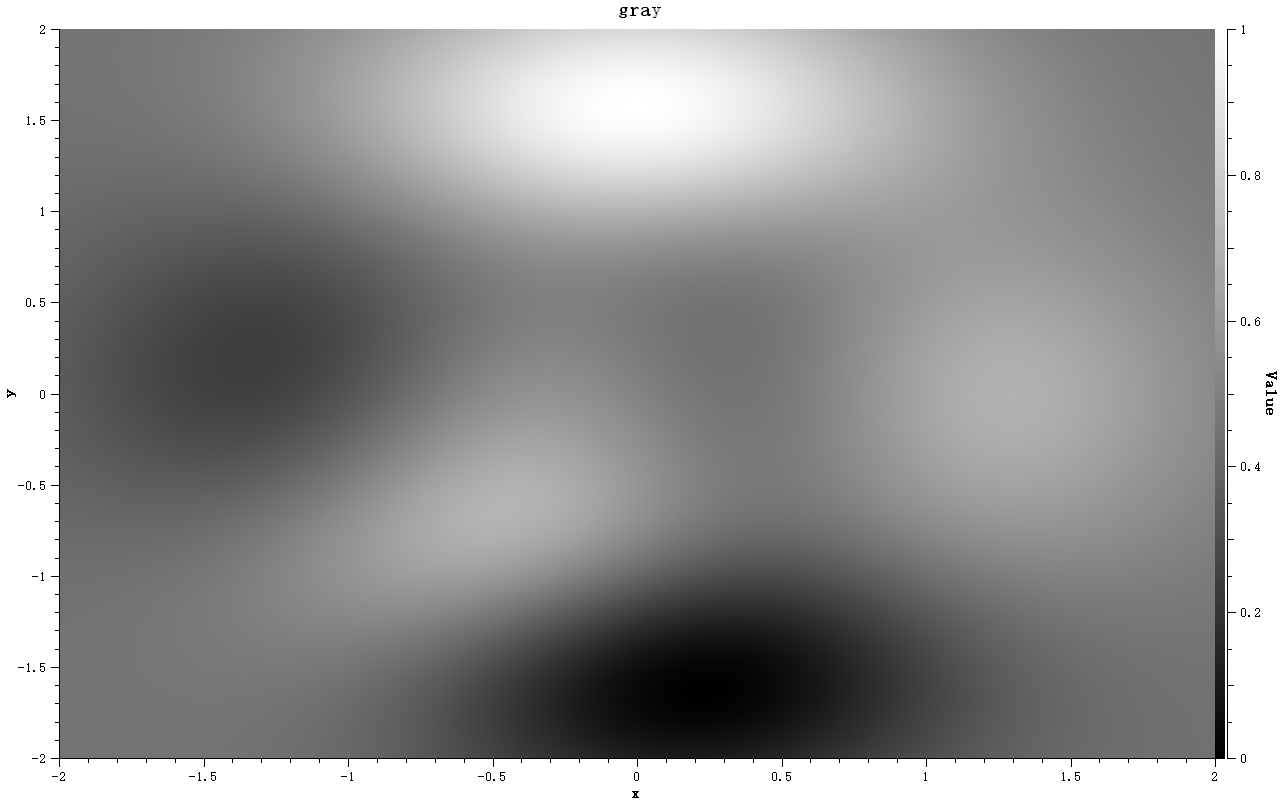
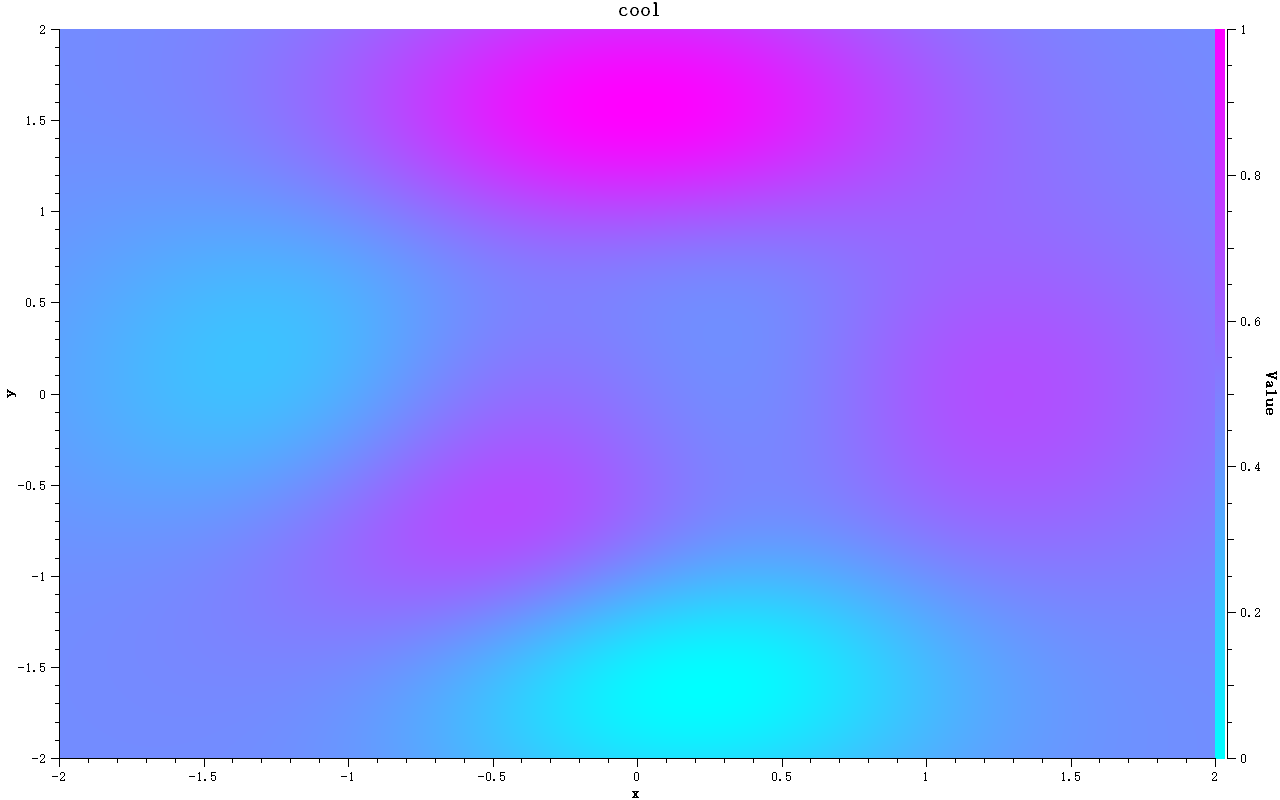
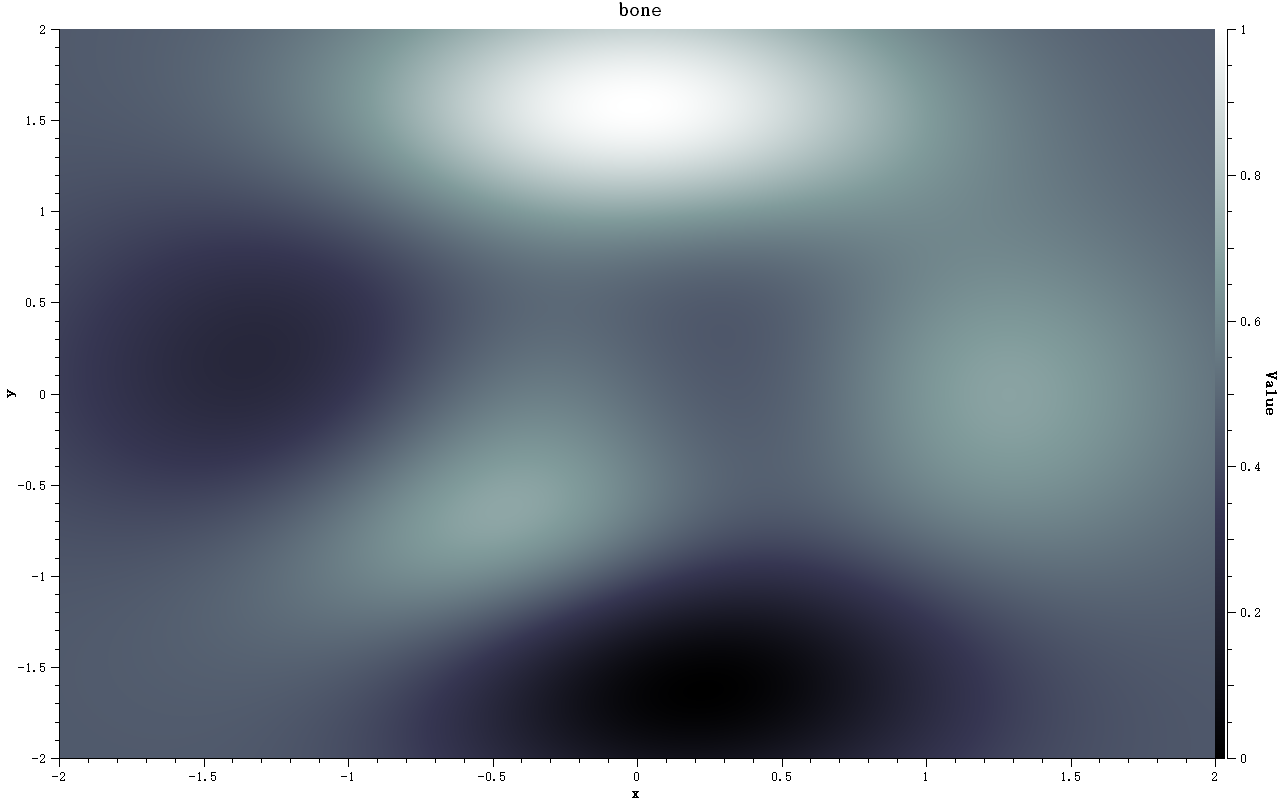
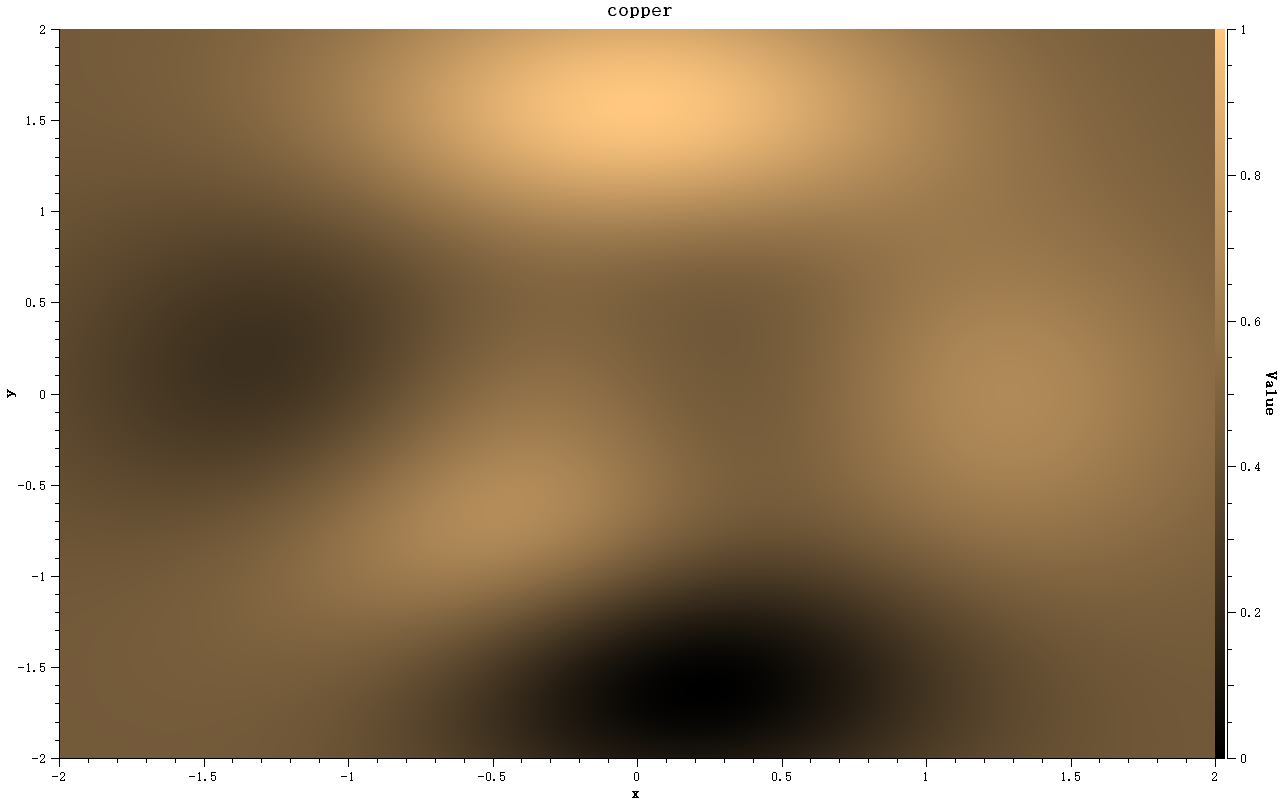
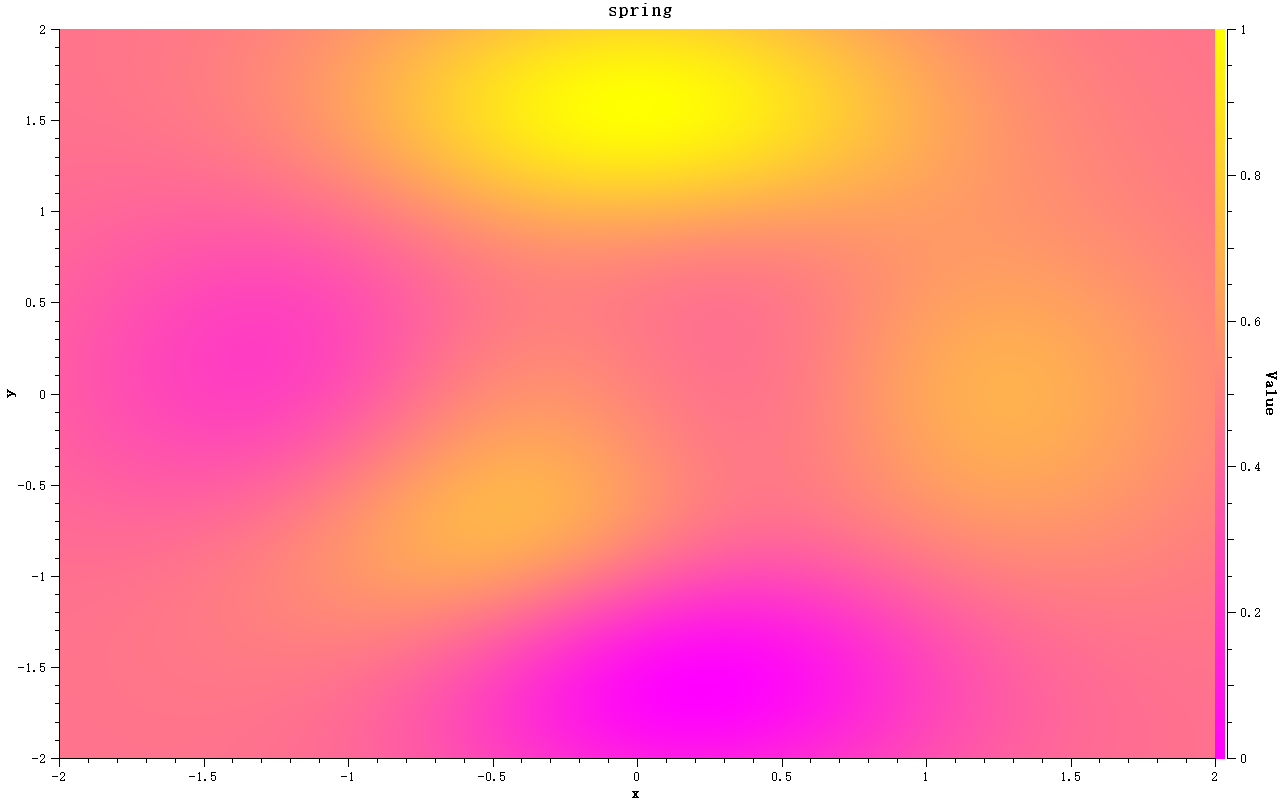
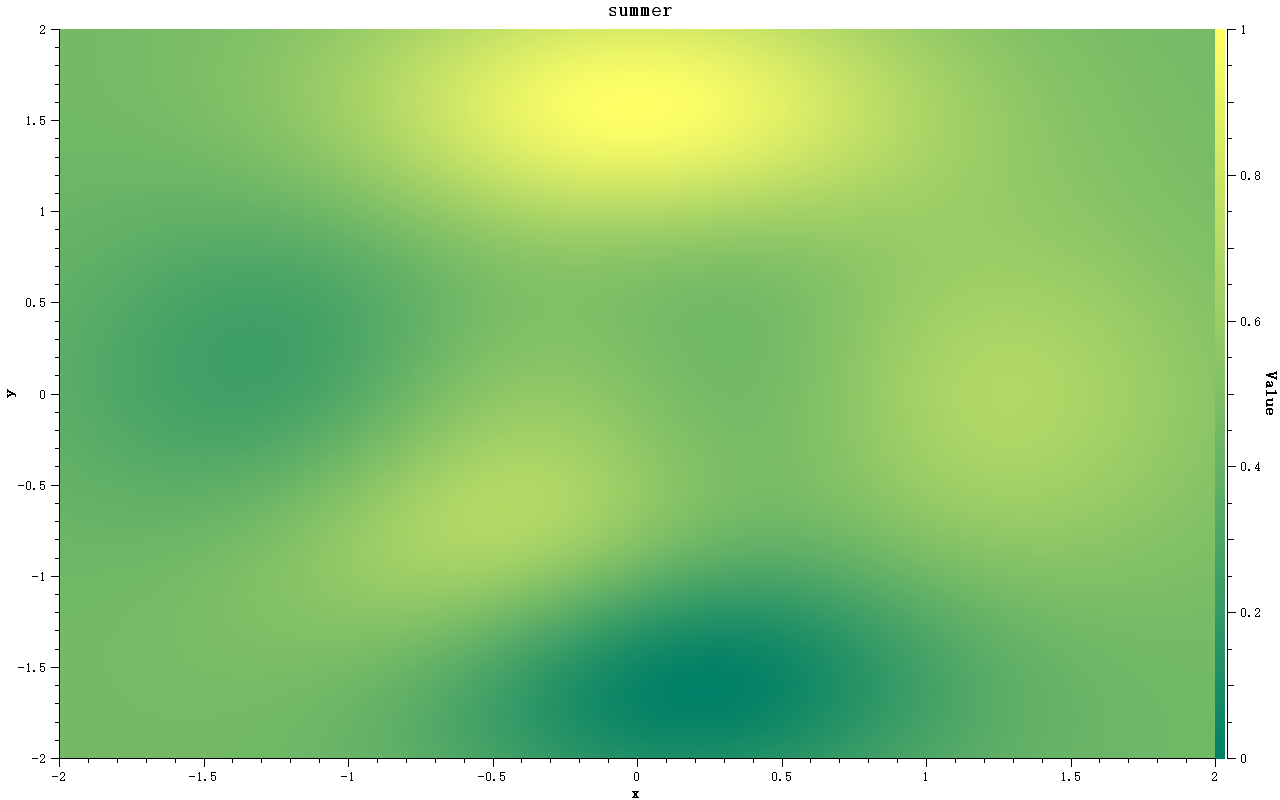
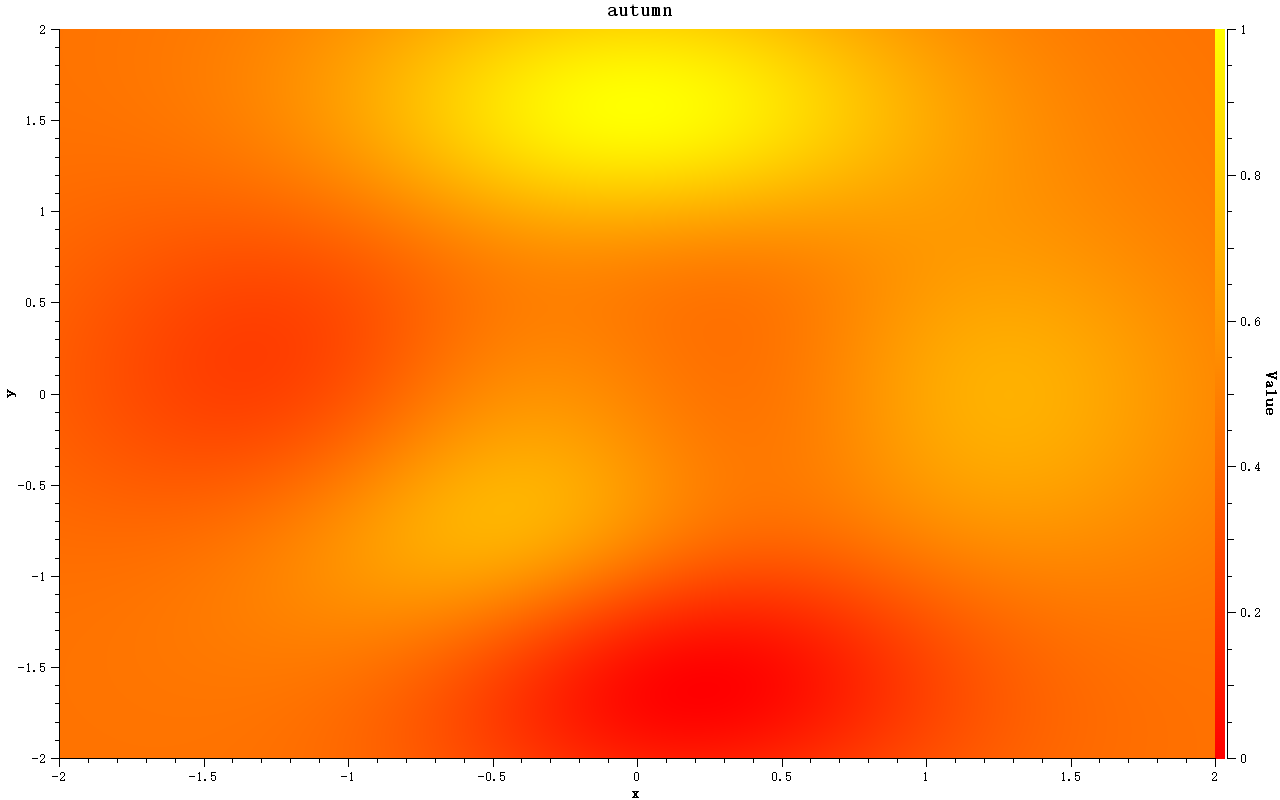
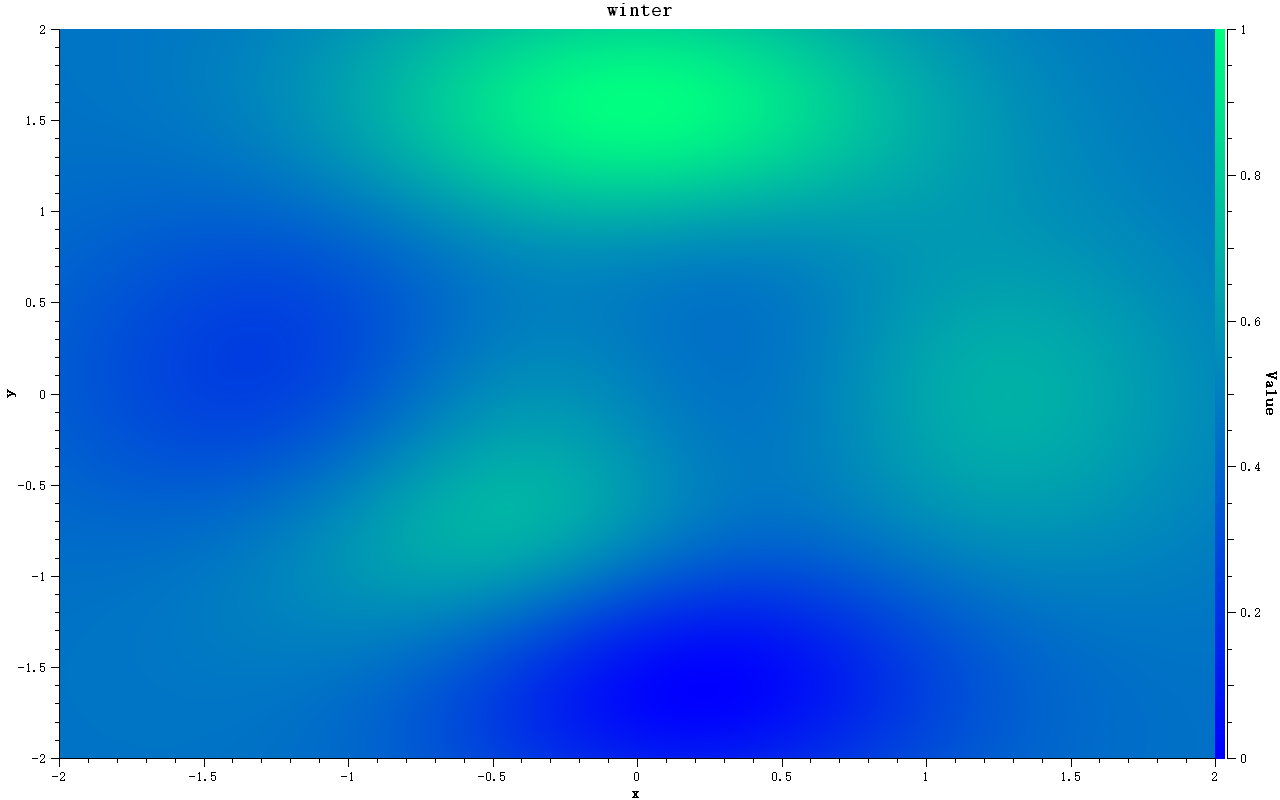
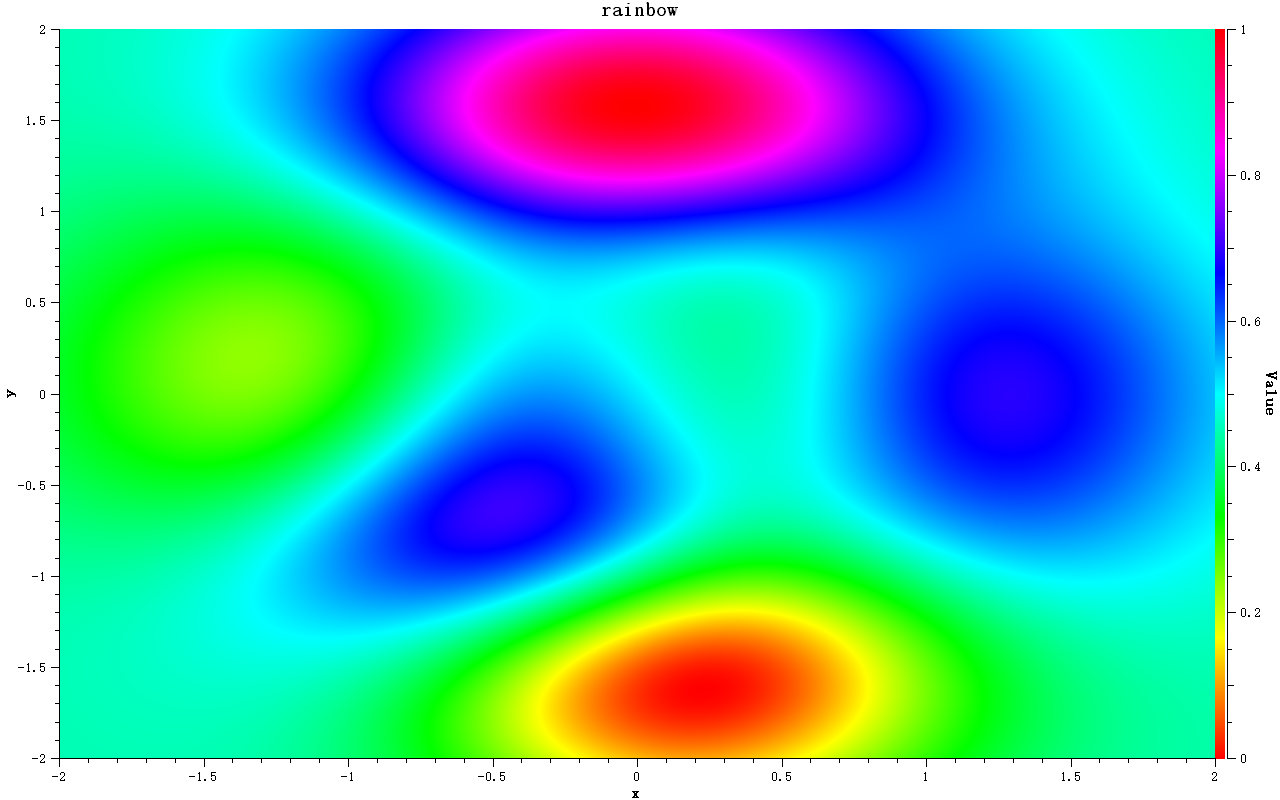
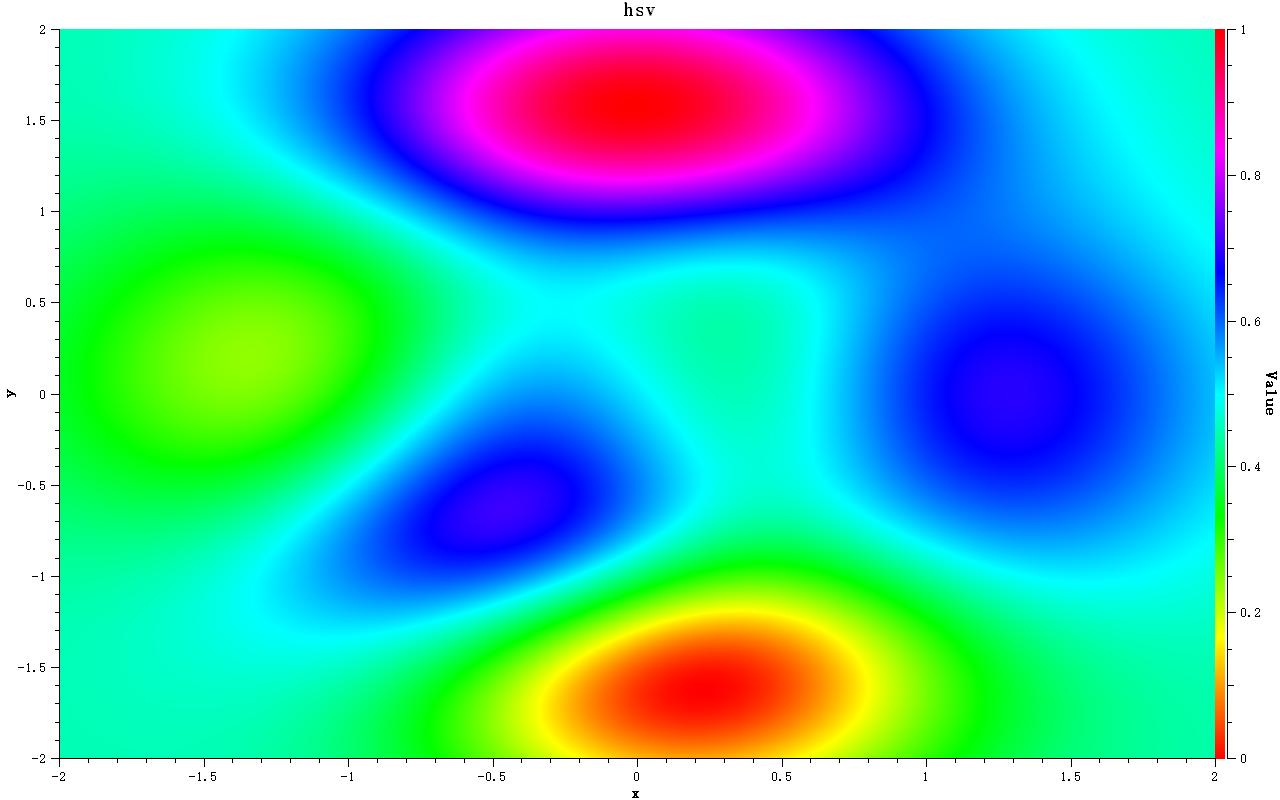
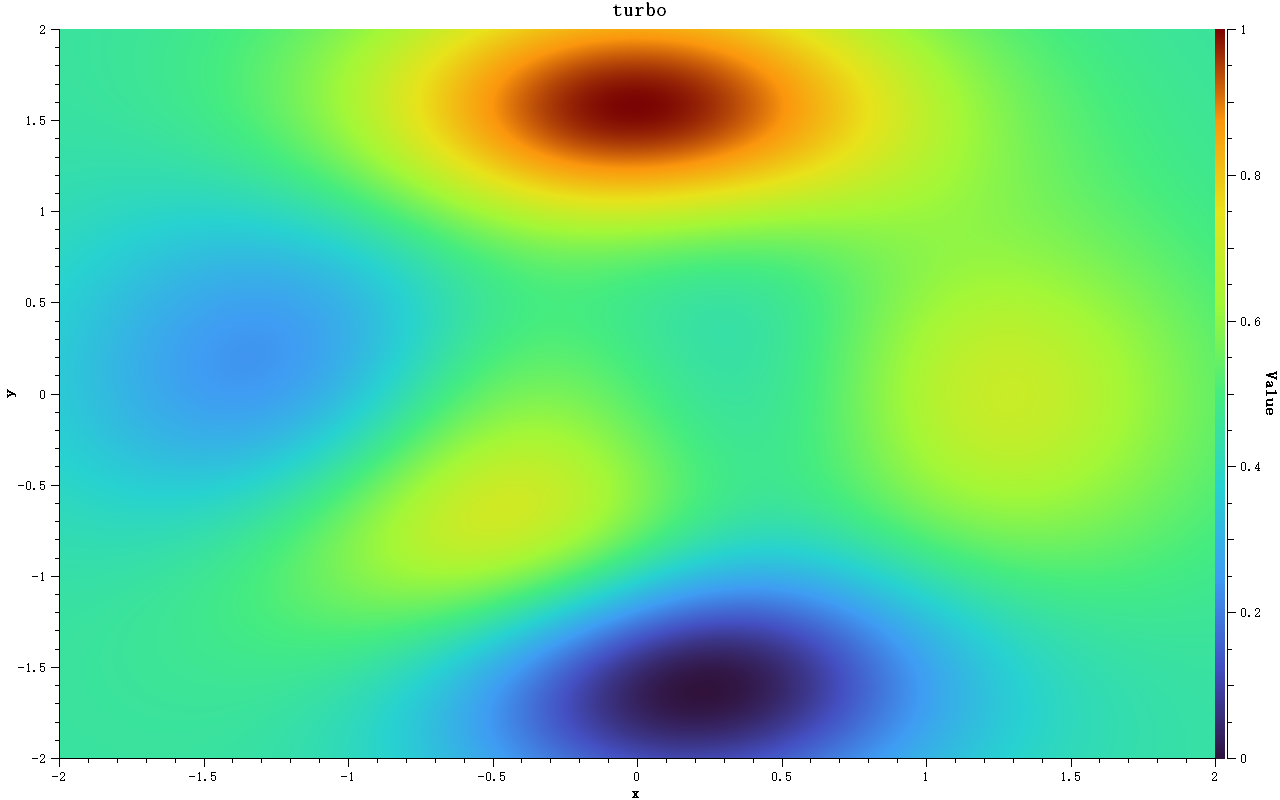
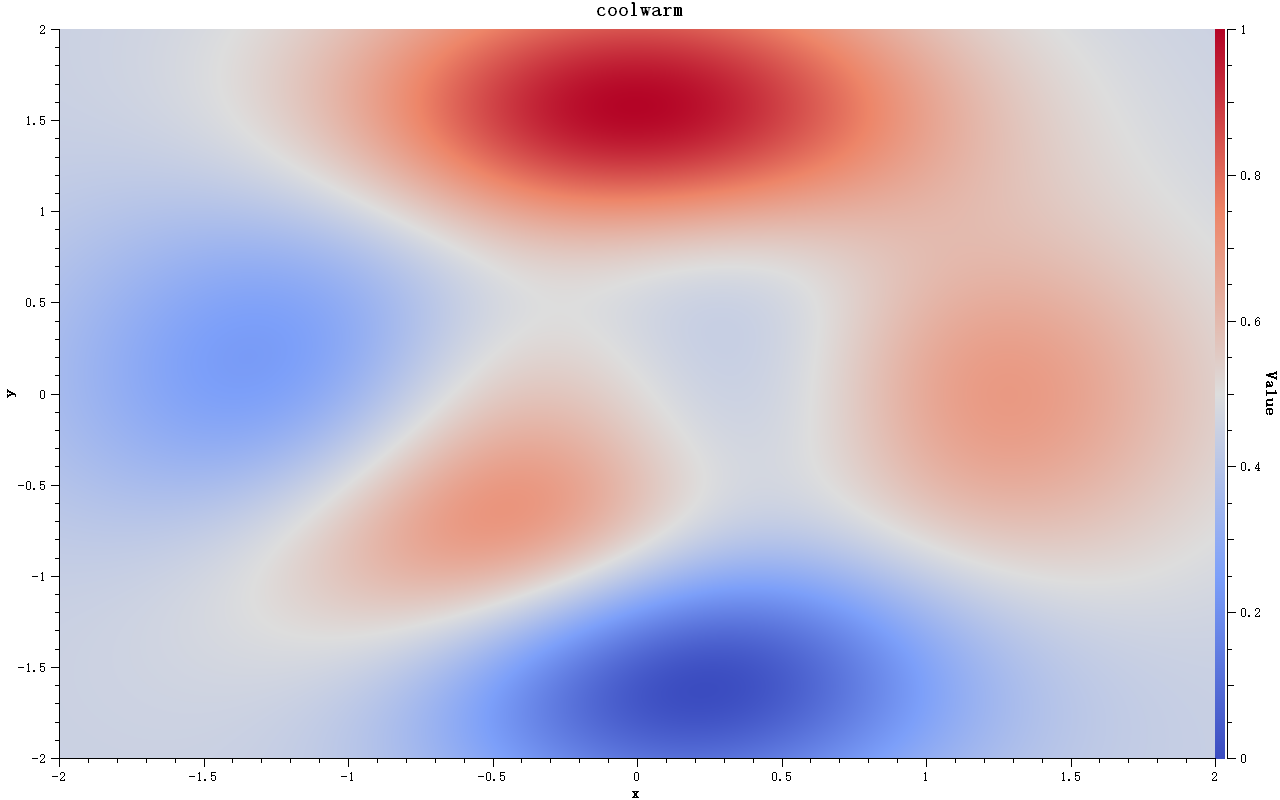
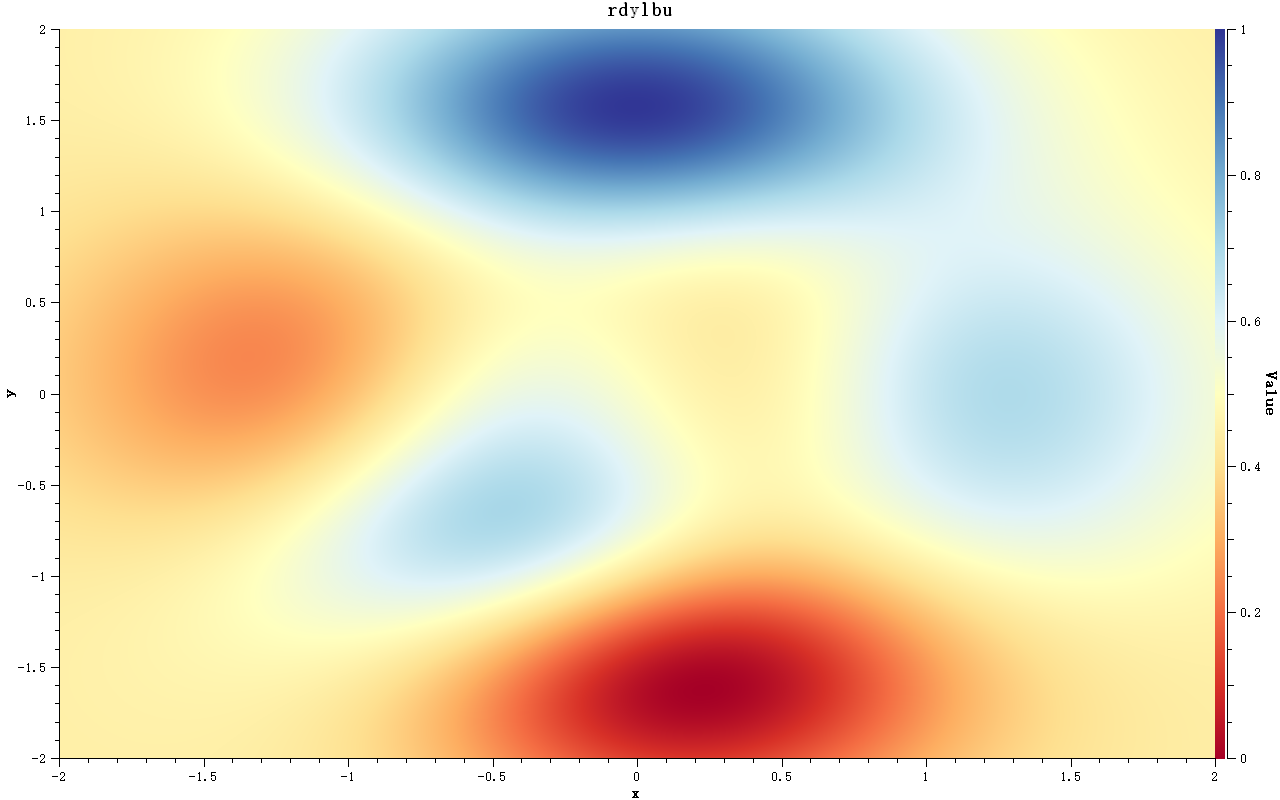
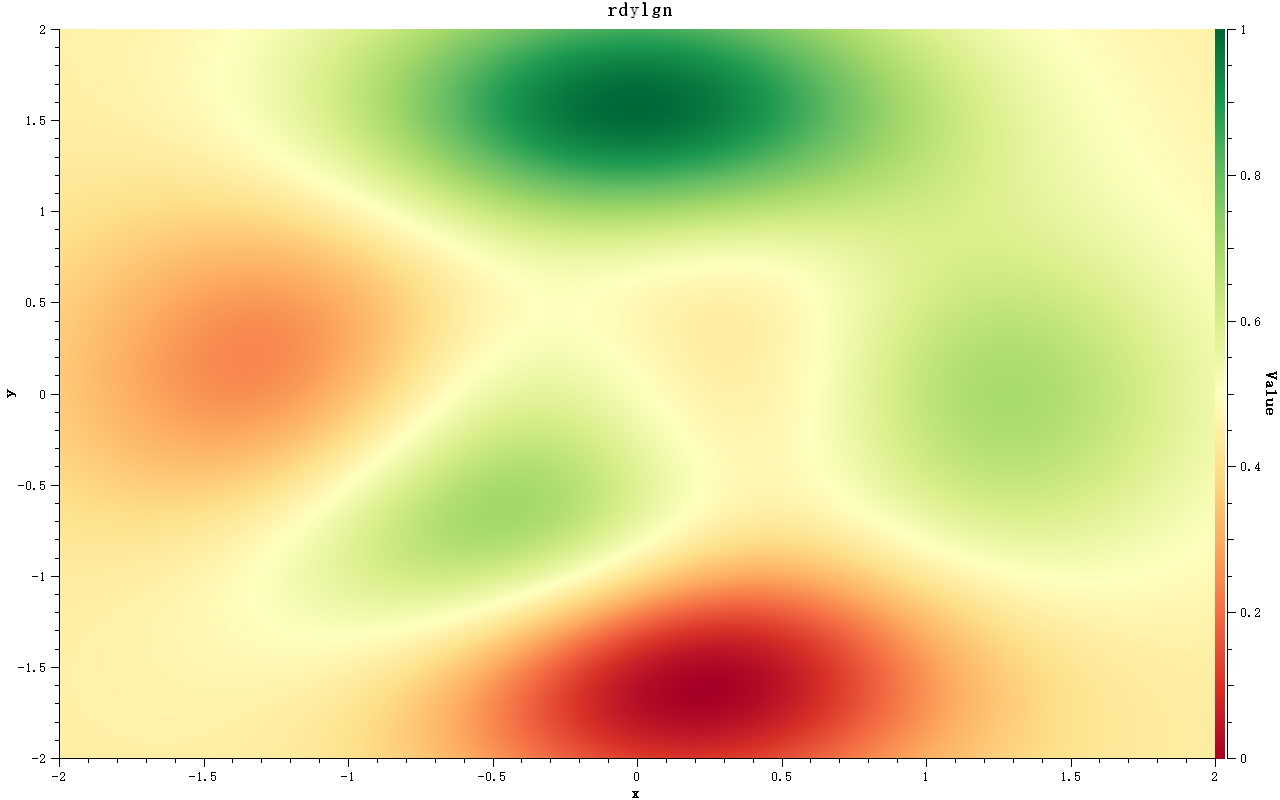
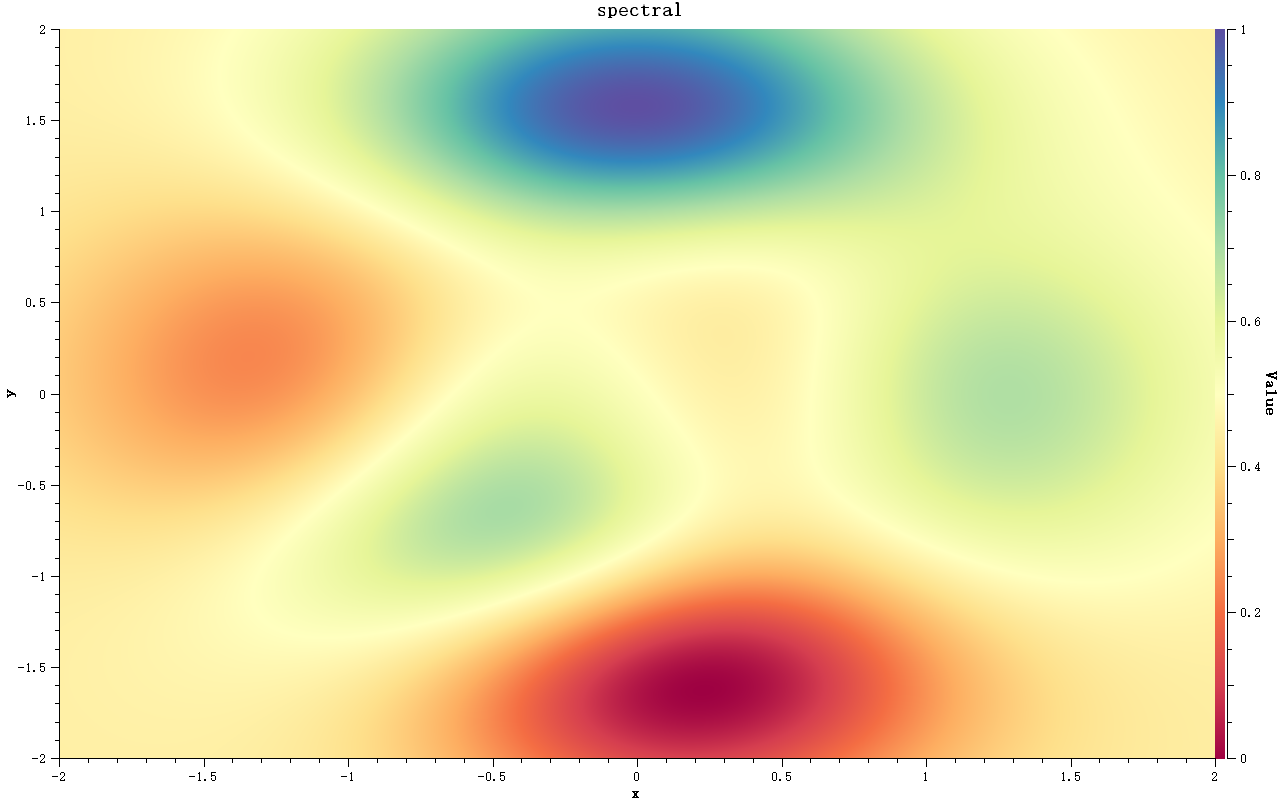
All renders show the classic MATLAB peaks demonstration field (a sharp peak next to a deep well on concentric rings, normalized to [0, 1]) with a color bar on the right axis.
Command line option: --screenshot
The example accepts a --screenshot <directory> option that renders every preset without any GUI, and exits with 0 on success:
1 | |
What is written:
| File | Description |
|---|---|
<preset>.png × 22 |
one render per preset (1280×800, field + color bar + axes) |
overview.png |
a 2×11 grid of all gradients |
colormap.png |
a screenshot of the window itself |
Screenshot mode renders through the same window system as the GUI, so the text in the exported images (titles, tick labels, color bar labels) matches what is seen in the window. Without a display (headless Linux CI) it falls back to the offscreen platform plugin, so the images are still written, but every character degenerates to a box. Setting the QT_QPA_PLATFORM environment variable overrides this choice. The Save Screenshots... toolbar button does the same from within the GUI.
All 22 Presets at a Glance
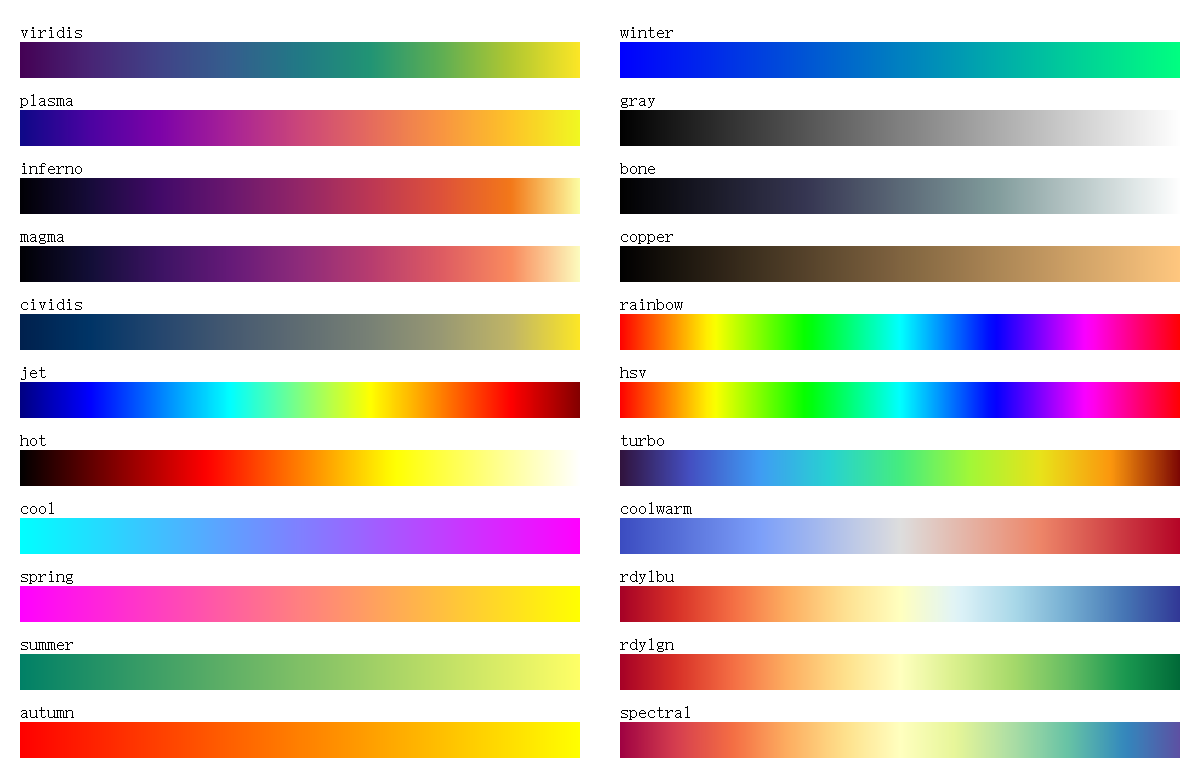
Below are the gradients of all 22 presets (sampled from create("name"), ordered like availablePresets()):
| Name | Category | Characteristics | Typical use |
|---|---|---|---|
viridis |
Sequential · uniform | purple-green-yellow, matplotlib default | first choice, papers |
plasma |
Sequential · uniform | purple-pink-yellow | emphasize high values |
inferno |
Sequential · uniform | black-purple-orange-yellow | dark backgrounds, glow |
magma |
Sequential · uniform | black-purple-pink-white | astronomy, dark data |
cividis |
Sequential · uniform | blue-gray-yellow | color vision deficiency, grayscale print |
jet |
Sequential · MATLAB rainbow | blue-cyan-yellow-red | legacy compatibility only |
hot |
Sequential · thermal | black-red-yellow-white | temperature fields |
cool |
Sequential | cyan-magenta | math demos |
spring |
Sequential | magenta-yellow | math demos |
summer |
Sequential | greens | math demos |
autumn |
Sequential | red-yellow | math demos |
winter |
Sequential | blue-green | math demos |
gray |
Sequential · no hue | black-white | printing, grayscale docs |
bone |
Sequential · no hue | black-gray-white with blue tint | medical imagery |
copper |
Sequential · single hue | black-copper | geology, metallic look |
rainbow |
Cyclic | full hue circle | periodic quantities (phase, angle) |
hsv |
Cyclic | full HSV hue circle | data whose min equals its max |
turbo |
Sequential · rainbow, improved | Google turbo, uniformity on par with jet | rainbow look with better readability than jet |
coolwarm |
Diverging | blue-white-red | signed difference fields (anomalies, errors) |
rdylbu |
Diverging | red-yellow-blue (ColorBrewer) | anomalies, elevation fills |
rdylgn |
Diverging | red-yellow-green (ColorBrewer) | signed ratios |
spectral |
Diverging · multi hue | red-yellow-green-blue | distinct qualitative bands |
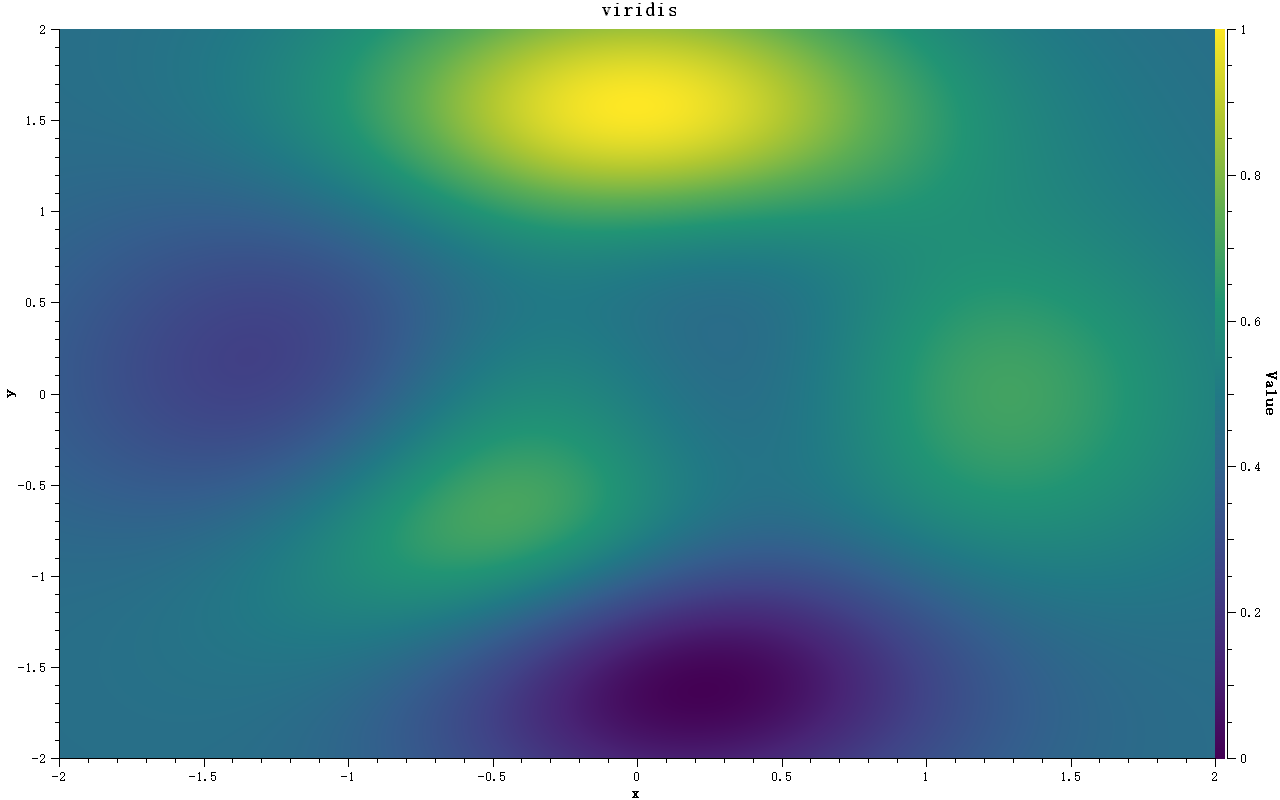
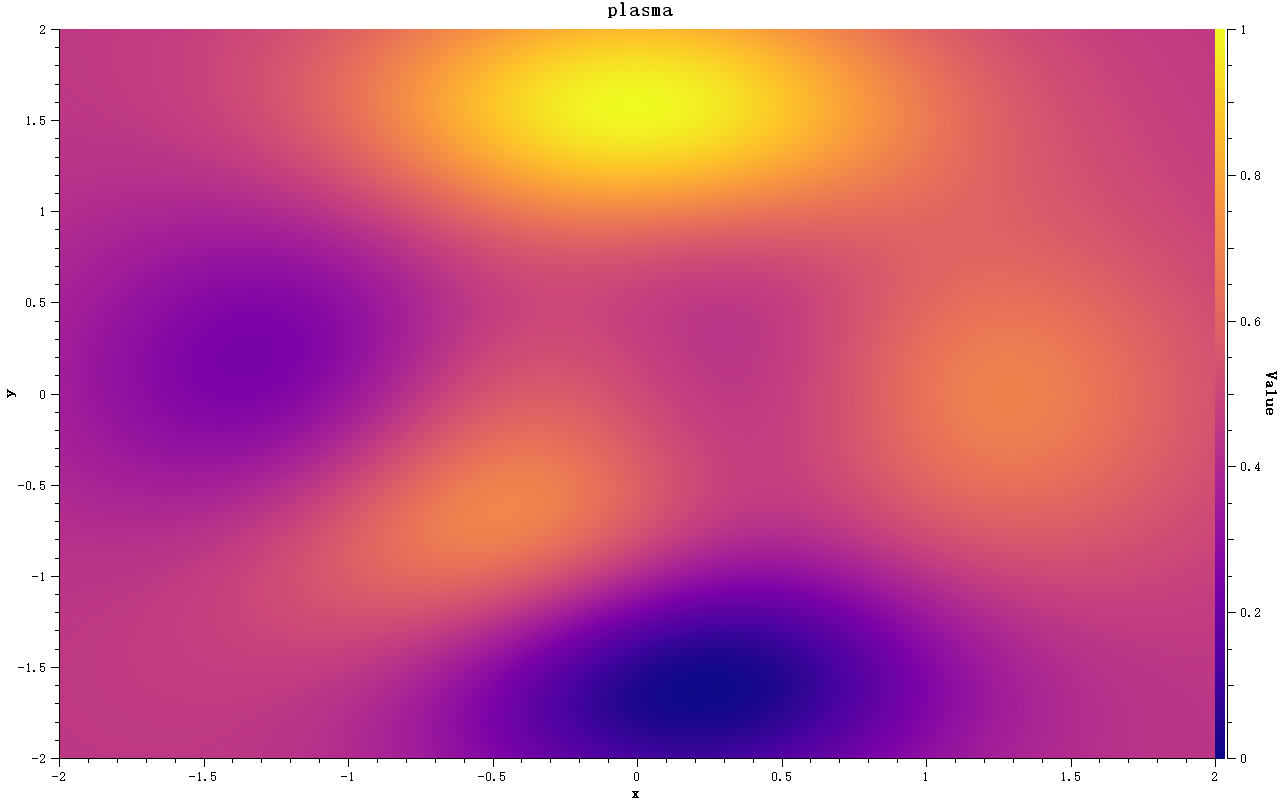
The comparison renders below were exported with --screenshot. Every image shows the same data field with a different colormap, so they can be compared side by side.
Perceptually uniform
viridis, plasma, inferno, magma and cividis keep a monotonic perceptual lightness: once converted to grayscale they still read as a smooth ramp, so no artificial structures appear. They are the safe first choice for scientific figures.
| viridis | plasma |
|---|---|
 |
 |
| inferno | magma |
|---|---|
 |
 |
| cividis |
|---|
 |
MATLAB classics and single hue ramps
jet is the best-known MATLAB default. Note the artificial contour line where the cyan-yellow transition crosses, and that its lightness is no longer monotonic after a grayscale conversion, which is why new code should prefer turbo or viridis. hot, cool, spring, summer, autumn, winter, gray, bone and copper are the traditional single/dual hue ramps, valued for their simplicity.
| jet | hot | gray |
|---|---|---|
 |
 |
 |
| cool | bone | copper |
|---|---|---|
 |
 |
 |
| spring | summer | autumn | winter |
|---|---|---|---|
 |
 |
 |
 |
Rainbow family
rainbow and hsv wrap around to their first color, which makes them suitable for periodic data. turbo is Google's balanced rainbow: compared with jet its lightness dip is slightly smaller, but its distinguishability under color-vision deficiency is worse than jet, and the quantitative metrics are a mixed bag (see the color-science technical report for the evaluation), so use it where the rainbow look is required.
| rainbow | hsv | turbo |
|---|---|---|
 |
 |
 |
Diverging
Whenever the data has a meaningful center (a zero value or a reference), a two-sided ramp with a light center encodes the direction of the deviation with the hue:
| coolwarm | rdylbu | rdylgn | spectral |
|---|---|---|---|
 |
 |
 |
 |
Choosing a Ramp
-
Sequential data: use a perceptually uniform ramp,
viridisby default,plasmafor a warmer gradient, andinferno/magmaon dark backdrops -
Signed or deviating data: use a diverging ramp,
coolwarmfor errors andrdylbufor anomalies -
Periodic data: use
rainbow/hsv, whose first and last colors match; scale the data to exactly one period, otherwise a false boundary appears where red meets red -
Avoid
jet/rainbowfor sequential data: their lightness is not monotonic, which invents contour lines that are not in the data, especially after grayscale printing -
Printing and grayscale:
cividisorgraykeep the ordering of the values readable -
Color vision deficiency: avoid encoding the magnitude in red-vs-green alone;
viridis,cividisandcoolwarmare safe options
Tip — Quick self check
Save your figure as grayscale (or switch the preset to
grayin the example): if the lightness no longer follows the data, the colormap is misleading the reader.
Notes
-
setColorMap()takes ownership: theQwtColorMap*is owned by the item / scale widget, so hand over theunique_ptrwithrelease(). Do not set the same pointer on the spectrogram and the color bar at once; the example callscreate()for both -
The sampling signature is
rgb(double vMin, double vMax, double value)(unified since QWT7.3.1); the earlierrgb(const QwtInterval&, double)has been removed -
Presets are
QwtLinearColorMaps withRGBformat (continuous interpolation). For maximum rendering speed a quantized color table (e.g.setColorTableSize(256)) can be used, at the price of visible banding, directly observable with theColor Tablecombobox of the example
Related Classes and Source Files
| Class / file | Description |
|---|---|
QwtColorMapPreset (src/core/qwt_colormap_preset.h) |
factory and introspection for the 22 presets |
QwtLinearColorMap (src/core/qwt_colormap.h) |
linear gradient colormap |
QwtPlotSpectrogram (src/plot/qwt_plot_spectrogram.h) |
2D spectrogram / heatmap |
QwtScaleWidget::setColorMap() (src/plot/qwt_scale_widget.h) |
axis color bar |
Qwt3DColorMapColor (src/plot3d/qwt3d_colormap_color.h) |
bridges core colormaps to 3D |
Qwt3DTheme::setDataColorPreset() (src/plot3d/qwt3d_theme.h) |
preset selection inside 3D themes |
Example — Related Examples
Colormap preset gallery:
examples/2D/colormap(with--screenshotexport)Spectrogram:
examples/2D/spectrogramPolar spectrogram:
examples/2D/polarspectrogram3D surface:
examples/3D/figureSurface3D3D waterfall (amplitude-colored traces):
examples/3D/waterfall3D