3D Plot Introduction
Qwt 7.1 integrates the original QwtPlot3D library, providing 3D data visualization capabilities. Starting from v7.3.3, the 3D module has been fully refactored to a Plot + Item architecture that mirrors the 2D module (QwtPlot + QwtPlotItem), with modern OpenGL rendering (VBO/VAO + GLSL 3.3 Core shaders).
Main Features
Features
- ✅ Plot + Item architecture:
Qwt3DPlot(rendering window) +Qwt3DPlotItem(drawable items), symmetric with 2D'sQwtPlot+QwtPlotItem - ✅ Multiple plot types: Surface plots, grid plots, parametric surfaces, function plots, etc.
- ✅ Modern OpenGL rendering: VBO/VAO + GLSL 3.3 Core shaders (no legacy fixed-function pipeline)
- ✅ Interactive operations: Supports mouse rotation, zooming, and panning
- ✅ Lighting and materials: Supports lighting effects and material configuration
- ✅ Theme system: One-click visual style switching with 10 preset themes and 22 scientific colormaps
- ✅ Multi-item composition: Attach multiple items to a single
Qwt3DPlotfor combined rendering
Architecture Overview
The 3D module follows a Plot + Item pattern, symmetric with the 2D module:
Qwt3DPlotis a rendering window (QOpenGLWidgetsubclass) that manages the GL context, view transforms, lighting, coordinate system, and mouse/keyboard interaction. It holds no plotting data itself.Qwt3DPlotItemis the abstract base class for all 3D drawable items. Items manage their own data, geometry, and styles. They attach to aQwt3DPlotviaattach()/detach().- A single
Qwt3DPlotcan hold any number of items, rendered together in one GL context.
classDiagram
    class Qwt3DPlot {
        +attach(Qwt3DPlotItem*)
        +detach(Qwt3DPlotItem*)
        +itemList()
        +setRotation()
        +setScale()
        +enableMouse()
        +showColorLegend()
        +applyTheme()
    }

    class Qwt3DPlotItem {
        <<abstract>>
        +attach(Qwt3DPlot*)
        +detach()
        +draw()*
        +hull()*
        +setZ()
        +itemChanged()
    }

    class Qwt3DSurface {
        +loadFromData()
        +setResolution()
        +setPlotStyle()
        +setDataColor()
        +addEnrichment()
    }

    class Qwt3DFunction {
        +operator()(x,y)*
        +create()
        +setDomain()
        +setMesh()
    }

    Qwt3DPlotItem <|-- Qwt3DSurface
    Qwt3DFunction --> Qwt3DSurface : generates data for
    Qwt3DPlot o-- Qwt3DPlotItem : manages
No Namespace
All 3D classes use the Qwt3D prefix directly in the global scope (e.g., Qwt3DPlot, Qwt3DSurface). There is no namespace Qwt3D — this is a breaking change from v7.3.2 and earlier.
Core Classes
| Class | Description |
|---|---|
Qwt3DPlot |
3D rendering window (QOpenGLWidget), manages GL context, view, lighting, coordinate system, and item list |
Qwt3DPlotItem |
Abstract base class for all 3D plot items (attach/detach/draw/hull) |
Qwt3DSurface |
3D surface plot item, displays continuous surfaces (handles both grid and cell data) |
Qwt3DBar |
3D bar chart item (1D series or 2D grid histogram); per-bar cuboids with flat normals |
Qwt3DLine |
3D line/curve item; Tube (swept cylinder, lit) / Lines / Dots styles |
Qwt3DFunction |
Data generator that creates surfaces from z = f(x, y) mathematical functions |
Qwt3DParametricSurface |
Data generator for parametric surfaces r(u, v) |
Qwt3DCoordinateSystem |
3D coordinate system with 12 axes, box/frame styles |
Qwt3DColorLegend |
3D color bar / legend |
Qwt3DTheme |
3D theme system, encapsulates background, mesh, colormap, axes, lighting, and all visual attributes |
Usage
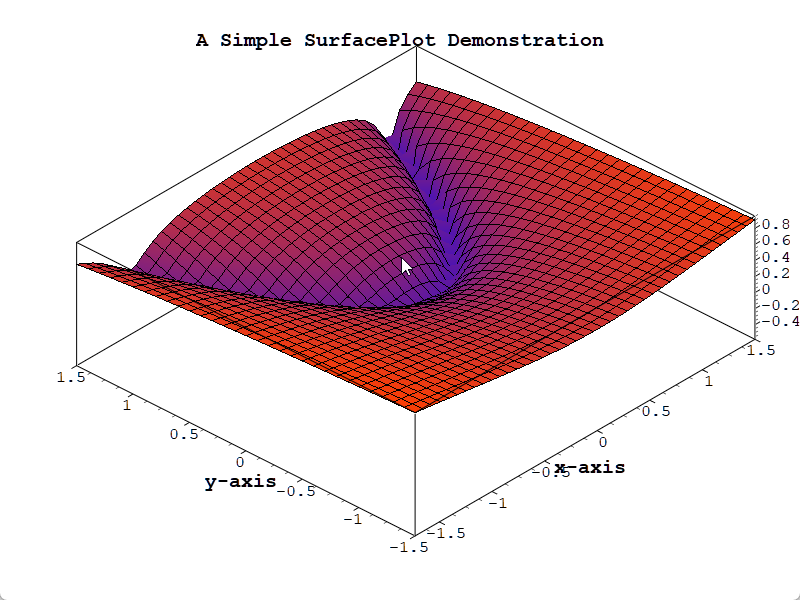
The 3D plot example is located at: examples/3D/simpleplot3D. Screenshot:
Basic Usage Example
1 2 3 4 5 6 7 8 9 10 11 12 13 14 15 16 17 18 19 20 21 22 23 24 25 26 27 28 29 30 31 32 | |
Data Loading
1 2 3 4 5 6 7 8 9 10 11 12 13 14 15 16 17 18 19 | |
Interactive Operations
1 2 3 4 5 6 7 8 9 10 11 12 13 | |
Color Mapping
1 2 3 4 5 6 7 | |
Multi-Item Composition
One of the key advantages of the Plot + Item architecture is the ability to render multiple items in the same 3D space:
1 2 3 4 5 6 7 8 9 10 11 12 | |
Other 3D Item Types (v7.3.5+)
Beyond surfaces, the 3D module ships two more Qwt3DPlotItem types — see their dedicated usage pages:
- 3D Bar Chart (
Qwt3DBar) — 1D series or 2D grid (3D histogram), per-bar cuboids with flat normals,Filled/FilledMesh/Wireframe. - 3D Line Plot (
Qwt3DLine) —Tube(lit swept cylinder) /Lines/Dots, per-vertex colormap.
Theme System (v7.3.1+)
The Qwt3DTheme class provides one-click switching of 3D plot visual styles, encapsulating all visual attributes including background color, mesh color, data colormap, axis colors, title styling, lighting presets, and shading modes.
Built-in Preset Themes
| Preset Name | Description |
|---|---|
Default |
White background + jet colormap + no lighting |
Dark |
Dark gray background + viridis + soft lighting |
Scientific |
White background + jet + studio lighting |
Warm |
Warm-toned background + hot colormap |
Cool |
Cool-toned background + cool colormap |
Matplotlib |
matplotlib style (viridis + soft lighting) |
EarthTones |
Earth tones + autumn colormap |
Ocean |
Ocean tones + winter colormap |
HighContrast |
Black background with white lines for high contrast |
Presentation |
Large fonts + thick lines, suitable for presentations |
Usage Examples
1 2 3 4 5 6 7 8 9 10 11 12 13 14 | |
Colormap Presets
Qwt3DTheme provides 22 scientific visualization colormaps via the core module's QwtColorMapPreset:
- Perceptually uniform:
viridis,plasma,inferno,magma,cividis - Classic:
jet,hot,cool,spring,summer,autumn,winter - Grayscale:
gray,bone,copper - Rainbow:
rainbow,hsv,turbo - Diverging:
coolwarm,rdylbu,rdylgn,spectral
1 2 3 4 5 | |
Lighting Presets
| Preset | Description |
|---|---|
NoLighting |
No lighting, solid color rendering |
FlatLight |
Uniform ambient light |
Studio |
Classic three-point lighting |
Outdoor |
Strong directional light + ambient |
Soft |
Soft diffuse lighting |
Build Configuration
To use 3D features, enable the QWT_CONFIG_QWTPLOT_3D CMake option:
1 2 3 4 5 6 7 | |
OpenGL Dependency
The 3D plot module requires OpenGL 3.3+ Core Profile and uses GLSL 3.30 shaders. Ensure that your graphics driver supports OpenGL 3.3 or higher. The module also bundles gl2ps for vector export (EPS/PDF) as a Compatibility Profile fallback.
Core Method Summary
Qwt3DPlot Methods
| Method | Description |
|---|---|
attach(item) / detach(item) |
Attach/detach a plot item |
itemList() |
Get list of attached items |
setRotation(x, y, z) |
Set rotation angles (degrees) |
setScale(x, y, z) |
Set scale ratio |
setZoom(z) |
Set zoom level |
enableMouse(bool) |
Enable/disable mouse interaction |
showColorLegend(bool) |
Show/hide color legend |
applyTheme(preset) / applyTheme(name) |
Apply a theme |
setBackgroundColor(RGBA) |
Set background color |
Qwt3DSurface Methods
| Method | Description |
|---|---|
loadFromData(...) |
Load data array into the surface (3 overloads: grid double, grid Triple, cell) |
setResolution(int) |
Set data resolution (1 = all data, higher = downsample) |
setPlotStyle(PLOTSTYLE) |
Set rendering style (WIREFRAME, HIDDENLINE, FILLED, FILLEDMESH, POINTS) |
setDataColor(Qwt3DColor*) |
Set data color functor (takes ownership) |
setMeshColor(RGBA) / setMeshLineWidth(double) |
Configure mesh appearance |
setFloorStyle(FLOORSTYLE) |
Set floor projection style |
setShading(SHADINGSTYLE) |
Set shading mode (FLAT, GOURAUD) |
addEnrichment(Qwt3DEnrichment&) |
Add vertex/edge/face enrichment |
setNormalLength(double) / showNormals(bool) |
Configure surface normals |
Qwt3DFunction Methods
| Method | Description |
|---|---|
operator()(x, y) |
Pure virtual — user implements z = f(x, y) |
assign(Qwt3DSurface&) |
Assign target surface item |
setDomain(minX, maxX, minY, maxY) |
Set X/Y data range |
setMesh(columns, rows) |
Set grid resolution |
create() / create(surface&) |
Generate and load surface data |
3D Plot Recommendations
- Data size should not be too large (recommended under 100x100 grid)
- For complex surfaces, reduce resolution to improve performance
- Use lighting effects to enhance visual appearance
- Use
setZ()to control draw order when multiple items overlap
Related Examples
- Basic 3D plot:
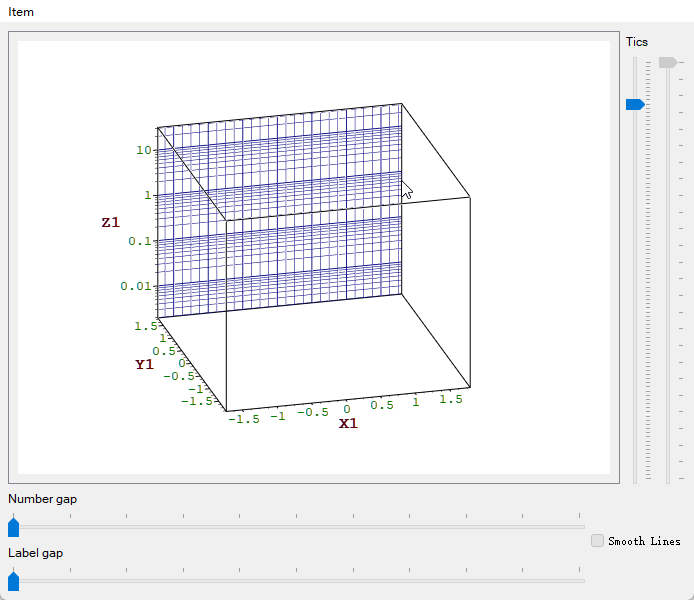
examples/3D/simpleplot3D - 3D axis configuration:
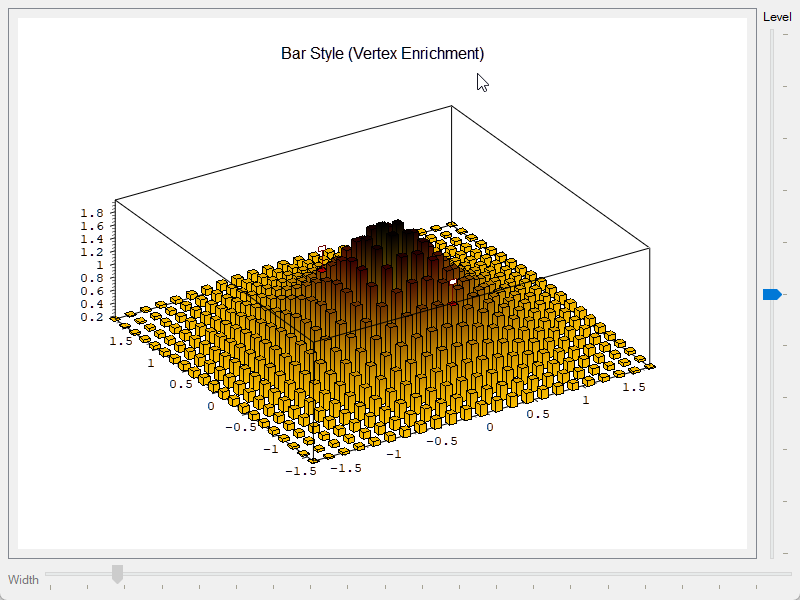
examples/3D/axes - 3D enrichments:
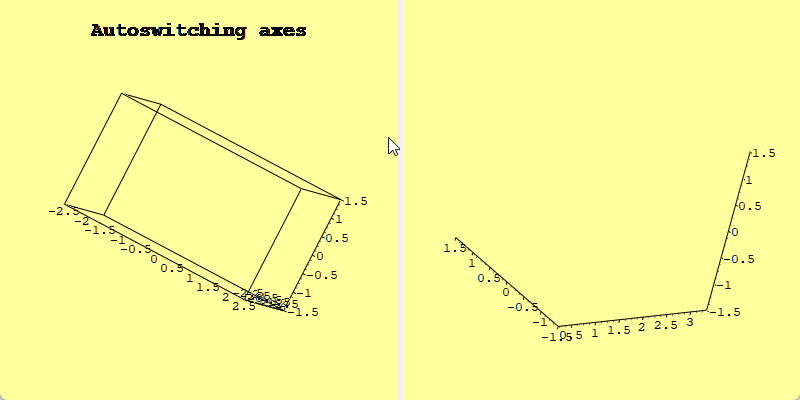
examples/3D/enrichments - 3D auto switch:
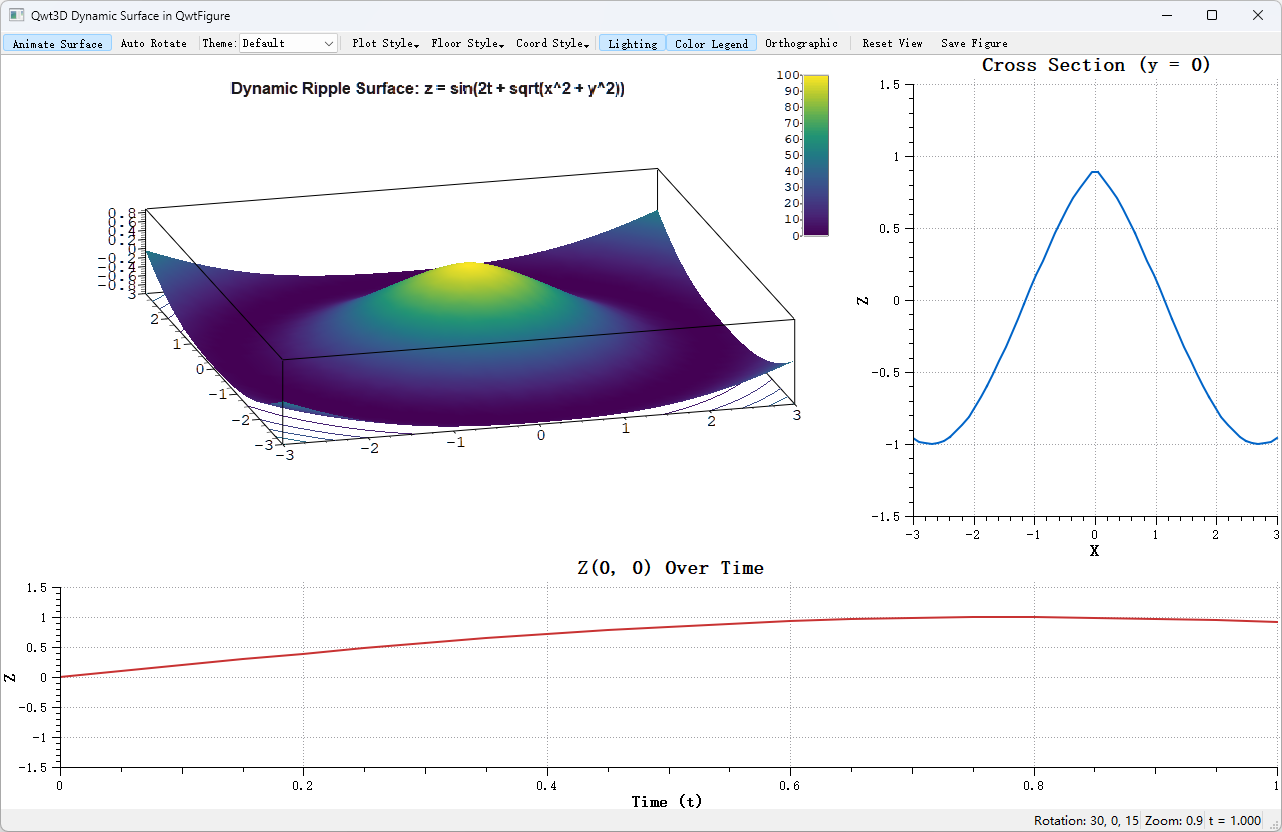
examples/3D/autoswitch - Dynamic 3D surface (QwtFigure integration):
examples/3D/figureSurface3D - 3D bar chart:
examples/3D/bar3D - 3D line plot:
examples/3D/line3D
Screenshots of 3D axis configuration, 3D enrichments, 3D auto switch, and dynamic 3D surface: